
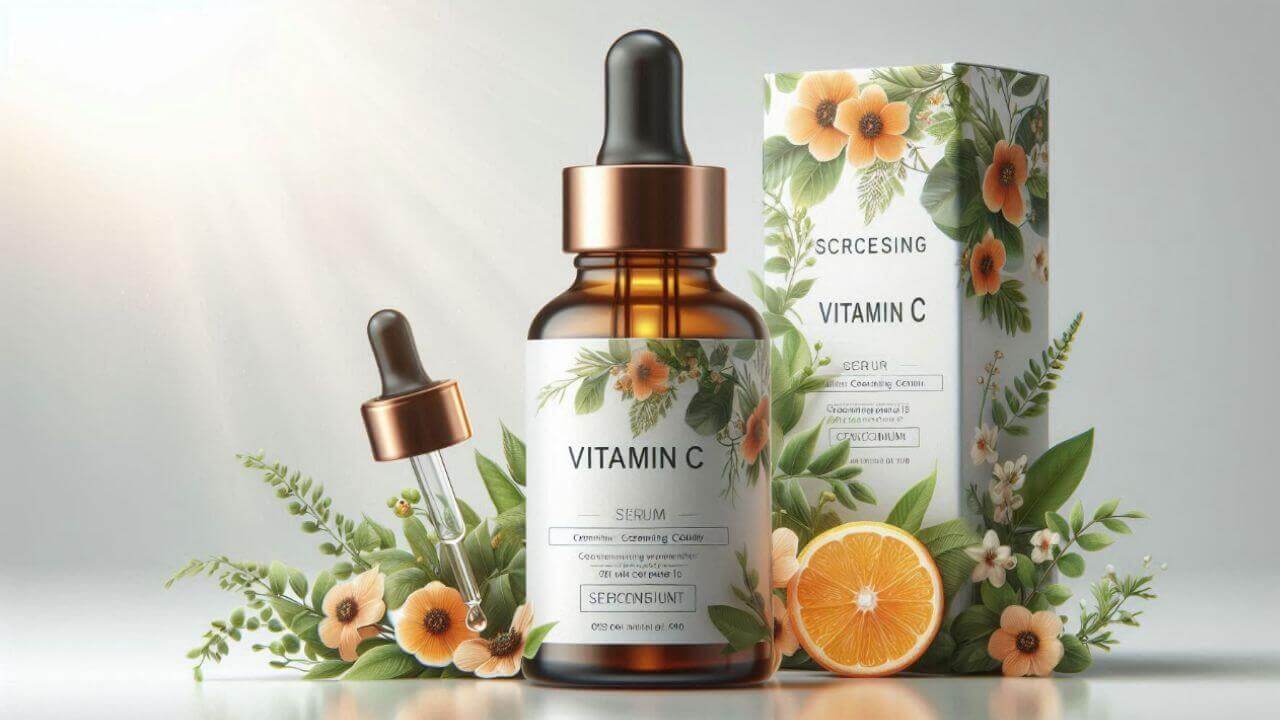
What Is an AI Product Mockup Generator?
It is a design presentation tool. The AI product mockup generator takes your artwork and renders it onto a realistic product in a believable scene. Unlike a static template where the design sits flat on a photo, the AI adapts the artwork to the shape of the item, adding folds, curvature and light response.
That matters for conversion. Shoppers judge a product by its photo long before they read the description. Print-on-demand sellers, independent designers and small brands use mockups to launch a product line without ordering samples, and to keep every listing visually consistent while the catalog grows.
Core Features of the Product Mockup Generator
Design onto Real Products
Place artwork on apparel, mugs, bags, cases and packaging with accurate scale and placement.
Realistic Fabric and Shadows
Folds, highlights and contact shadows respond to the design, so nothing looks pasted on.
Scene Control by Text
Choose a clean studio, a flat-lay surface or a lifestyle setting simply by describing it.
Consistent Product Lines
Reuse one background and lighting recipe so an entire collection shares the same visual language.
No Samples Needed
Launch a product page before ordering inventory, and validate demand with real visuals.
Free, No Watermark
Every mockup is free and watermark-free, ready for marketplaces, ads and social media.
How to Create a Product Mockup (Step by Step)
You only need your design file and a product idea:
- Open the generator. Go to the AI product mockup generator page.
- Upload your design. Use a transparent PNG with enough resolution for close-up viewing.
- Describe the product and scene. For example a black cotton t-shirt on a light studio background.
- Generate the mockup. Check scale, placement and how the print sits on folds.
- Download and publish. Save the watermark-free image for listings, ads or your portfolio.
Pro Tips for Mockups That Convert
Small adjustments make a listing look far more professional:
- Start with a transparent PNG. White boxes behind artwork are the most common giveaway of a rushed mockup.
- Match design size to the product. Mention how large the print should be, such as a small chest logo or a full-front print.
- Keep one visual style per catalog. Consistent backgrounds make a small shop look established.
- Show scale with context. A lifestyle scene tells shoppers how big a mug or tote really is.
- Create several angles. Front, back and detail shots answer more questions than one hero image.
Selling apparel? The AI clothes to model tool puts garments on a model, and the AI fashion model generator builds full studio scenes. Read the fashion model guide for catalog workflows.
Frequently Asked Questions (FAQ)
Is the AI product mockup generator free?
Yes. It is free on AIDoImg with no watermark and no account required, so you can create mockups for an entire product range.
What file should I upload for my design?
A clean PNG with a transparent background works best, ideally at high resolution so the design stays sharp when placed on the product.
Which products can I create mockups for?
T-shirts, hoodies, caps, tote bags, mugs, phone cases, posters and packaging are all supported. Describe the product and scene for anything specific.
Will the mockup show realistic folds and shadows?
Yes. The AI renders the design onto the product surface, including fabric folds, curvature and lighting, so the result looks photographed rather than pasted.
Can I use the mockups in my shop and ads?
Yes. Mockups are watermark-free and ready for product pages, marketplaces, ads and social posts, as long as the design is yours or licensed.
Can I keep a consistent look across a product line?
Yes. Reuse the same background and lighting description for every product so the whole collection appears part of one shoot.
