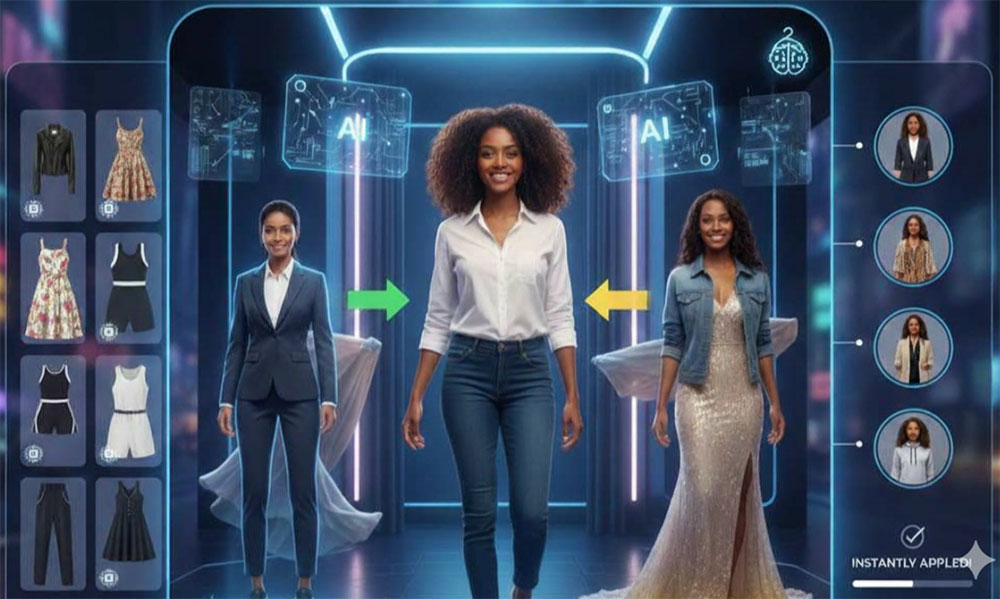
Answers to the most common questions about our free AI clothes to model tool.
What is an AI clothes to model tool?
It is a free online tool that turns a clothing photo into a photo of a person wearing that clothing. You upload the clothes on their own — a flat lay, a table shot, a mannequin or a product image — and the AI creates a realistic model, pose and scene around them, so you get an on-model shot without a real model or a photoshoot.
How do I turn clothes into a model photo?
Upload one clothing photo, optionally choose a preset model, a pose and a scene style, then click Convert Clothes to Model. The AI reads the garment, fits it onto a realistic body with natural fabric drape, and renders the final photo with matching lighting, shadows and background.
What kind of clothing photo should I upload?
Flat lay, table shot, mannequin, ghost mannequin or an existing on-model photo all work. Use a sharp, evenly lit image with the whole garment visible and as little clutter as possible — JPG, PNG or WEBP up to 10MB.
Can I turn a flat lay into a model photo?
Yes, that is the most common use. A flat lay, a hanger shot or an invisible mannequin image is fitted onto a real body so the garment looks properly worn, with folds, shadows and body contours instead of an empty shape.
Can I choose the model instead of a random one?
Yes. Pick one of fifteen preset people with different genders, ages, body types and ethnicities, or leave the gallery empty and the AI generates a random professional model for you.
Can I upload my own model photo?
Yes. Upload a photo of the person whose face and body you want to keep. The AI preserves that person and dresses them in the clothing from your clothing photo, ignoring the outfit they are wearing in the reference image.
Which poses and scene styles are available?
Twelve poses, from a three-quarter turn and walking forward to crossed arms, a back view and a seated casual shot, plus eighteen scenes such as E-Commerce, White Studio, Catalog, Editorial, Lookbook, Street Style, Campaign, Runway, Resort and Film. The scene changes the environment, lighting and mood only — never the clothes.
Can I describe the model in my own words?
Yes. The optional prompt box accepts gender, age, body type, hair, skin tone, expression or styling, for example "female, mid-20s, tall and slim, long dark hair, warm skin tone". The AI follows that description when it builds the person.
Is the clothes to model tool free? Do I need to sign up?
Yes, it is free, no account is needed and downloads carry no watermark. A free member account raises your daily conversions, and VIP adds unlimited daily use with every exclusive option.
How realistic are the generated model photos, and can I use them commercially?
Results are photorealistic: correct body proportions, natural fabric drape and consistent lighting and shadows, so they are ready for product listings, catalogs, lookbooks and social posts. You may use them commercially as long as you own the rights to the uploaded images and comply with our Terms of Service.