
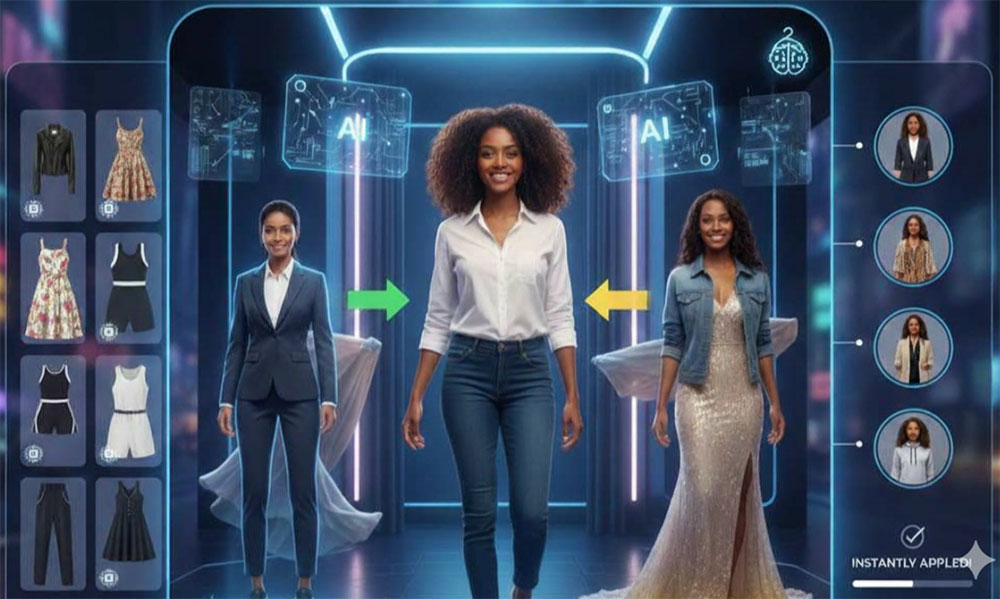
What Is AI Clothes to Model?
It converts a garment photo into an on-body image. The AI clothes to model tool detects the clothing item in your flat-lay or mannequin shot, then reconstructs it on a realistic figure — adding natural folds, body contours and lighting that the flat photo could never show.
This is the practical answer to a very common bottleneck: a shop full of garments but no model, studio or photographer. Instead of delaying listings, you photograph each item once on a plain surface and generate the model shots the same afternoon. The catalog looks professional, and customers can finally see how the piece hangs and moves.
Core Features of the Clothes to Model Tool
Flat-Lay to On-Model
Turn a simple top-down photo into an image of the garment worn, without reshooting anything.
Model Choice
Describe the body type and look you want, or upload a model photo to reuse the same face across a collection.
Color and Print Accuracy
The generated image keeps the actual colorway and pattern from your photo, so listings stay honest.
Scene Presets via Text
Place the look in a clean studio, a street scene or a lifestyle interior just by describing it.
Same-Day Listings
Photograph, generate and publish in one session instead of waiting for a shoot date.
Free, No Watermark
No subscription and no watermark, so every generated image is ready to publish.
How to Turn Clothes Photos into Model Images (Step by Step)
One decent garment photo is all the input you need:
- Open the tool. Go to the AI clothes to model page.
- Upload the garment photo. Use a flat-lay, hanger or mannequin shot on a neutral background.
- Describe the model and scene. Add the body type, pose and backdrop you want.
- Generate the on-model image. Review the drape, hem length and color against the original item.
- Download and publish. Save the watermark-free image and repeat for the rest of the catalog.
Pro Tips for Flat-Lay to Model Conversions
Cleaner source photos produce noticeably better renders:
- Shoot straight down. A true top-down flat-lay preserves the real proportions of the garment.
- Smooth the fabric. Wrinkles and folds in the source can be misread as the garment design.
- Use a plain background. Busy backgrounds confuse edge detection, especially on light or sheer items.
- Keep one model per collection. Consistency helps customers compare products instead of people.
- Check small details. Verify buttons, zips and prints before the image goes live on a product page.
Want a complete studio scene instead? The AI fashion model generator builds the whole shoot, while the AI garment try-on places a single item on an existing model photo. See the garment try-on guide for single-piece previews.
Frequently Asked Questions (FAQ)
Is AI clothes to model free?
Yes. The tool is free on AIDoImg with no watermark and no account required.
What photos can I start from?
Flat-lay shots, hanger photos and mannequin images all work. The garment should be fully visible, well lit and as flat as possible.
Will the model wear my exact garment?
Yes. The AI follows your photo for color, print, cut and trims, and rebuilds the drape on a body rather than pasting the image on top.
Can I choose the model and background?
Yes. Describe the model type and the setting you want, or upload a model photo to keep the same person across products.
Does this replace a real photoshoot?
For catalog and marketplace images it often does. For hero campaigns, generated images work well as concept previews before a real shoot.
Are the images ready for my store?
Yes. Downloads are watermark-free, so you can upload them directly to product pages, marketplaces and social posts.
