Answers to the most common questions about our free online AI tattoo generator.
What is a free AI tattoo generator?
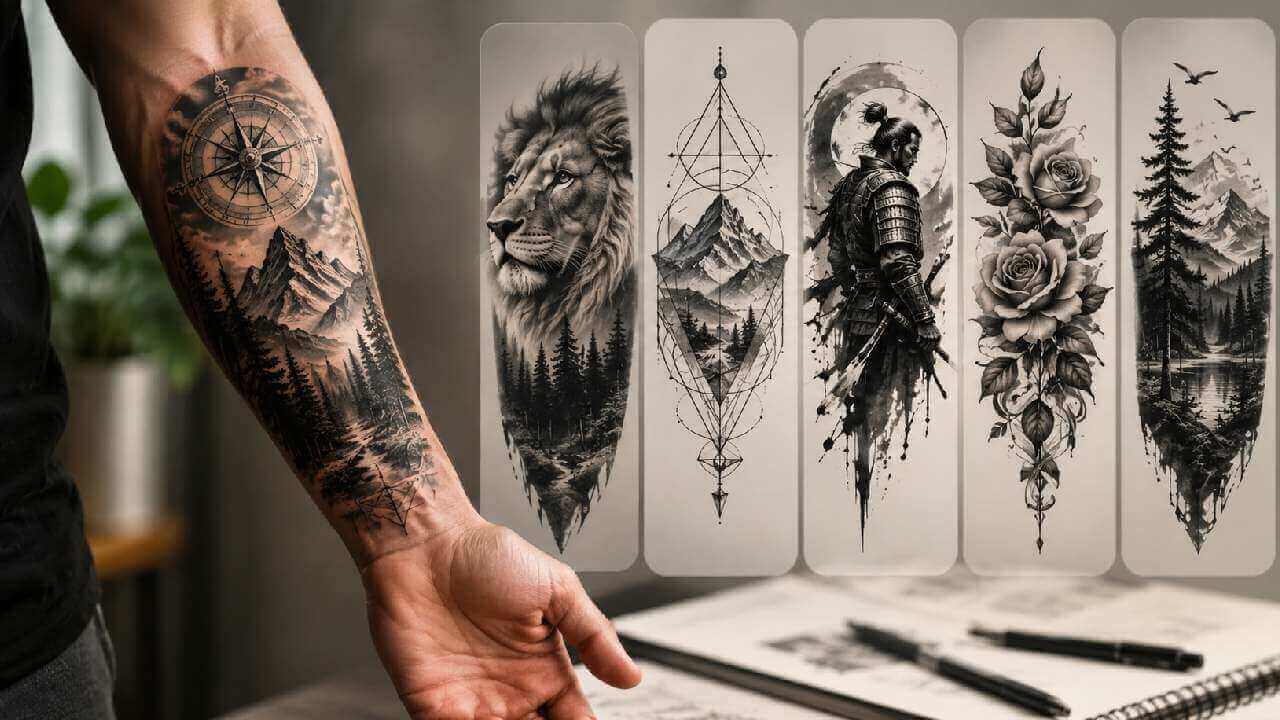
A free AI tattoo generator is an online tool that previews a tattoo on a photo of your body. Upload a photo of your arm, chest, back, neck or leg, choose a placement and a tattoo style, and the AI renders a realistic tattoo on your skin in seconds - no studio appointment, no needle and no design software.
How does the AI tattoo generator work?
Upload a well-lit photo of the body part, pick one of twelve placements, choose one of twenty-five tattoo styles or upload your own tattoo design, then click Generate Tattoo. The AI blends the ink onto the skin, following the body contours, shading and lighting, so the preview looks like a real tattoo.
Can I preview a tattoo without a tattoo design?
Yes. Pick a built-in style and the AI creates the artwork for you. You can also type your own idea in the custom prompt - for example a small delicate rose on the wrist, fine lines and minimal shading.
Which tattoo placements can I choose?
Twelve placements: wrist, band, forearm, arm sleeve, upper arm, back, shoulder, chest, thigh, calf, ankle and sternum. Only one tattoo is applied, exactly on the placement you choose.
Which tattoo styles are available?
Twenty-five styles including 3D Effect, Abstract, Anime, Black and Grey, Blackwork, Chicano, Cyber Sigilism, Dotwork, Geometric, Gothic, Graffiti, Horror, Japanese, Minimalist, Neo-Traditional, New School, Realism, Sketch, Stencil, Surrealism, Traditional, Trash Polka, Tribal, Watercolor and Woodcut.
Can I upload my own tattoo design?
Yes. Upload a JPG, PNG or WEBP image of the design you want and the AI reproduces that exact artwork on your chosen placement instead of inventing a new one. Uploading a design replaces the built-in style selection.
Can I create a text or lettering tattoo?
Yes. Type the word, name or lettering you want in the custom prompt - for example the word LOVE in gothic lettering - and pick a placement. The AI renders it as ink on the skin.
What output sizes are available?
Eight sizes covering 1:1, 16:9, 9:16, 4:3, 3:4, 3:2 and 2:3 - from 512x512 up to 1024x1024. Square suits close-up previews, while portrait sizes suit full-arm or full-leg photos.
Is the AI tattoo generator free? Do I need to sign up?
Yes, it is free and you can preview a tattoo without an account and download the result without a watermark. A free member account increases your daily generations, and VIP adds unlimited daily use and more advanced AI models.
Will the tattoo look realistic, and can I use the preview commercially?
The AI matches your skin tone, lighting and body contours so the ink looks naturally applied. You may use previews for personal and commercial purposes such as consultation, client mock-ups and portfolio planning, provided you own the rights to the uploaded photos and your use complies with our Terms of Service.